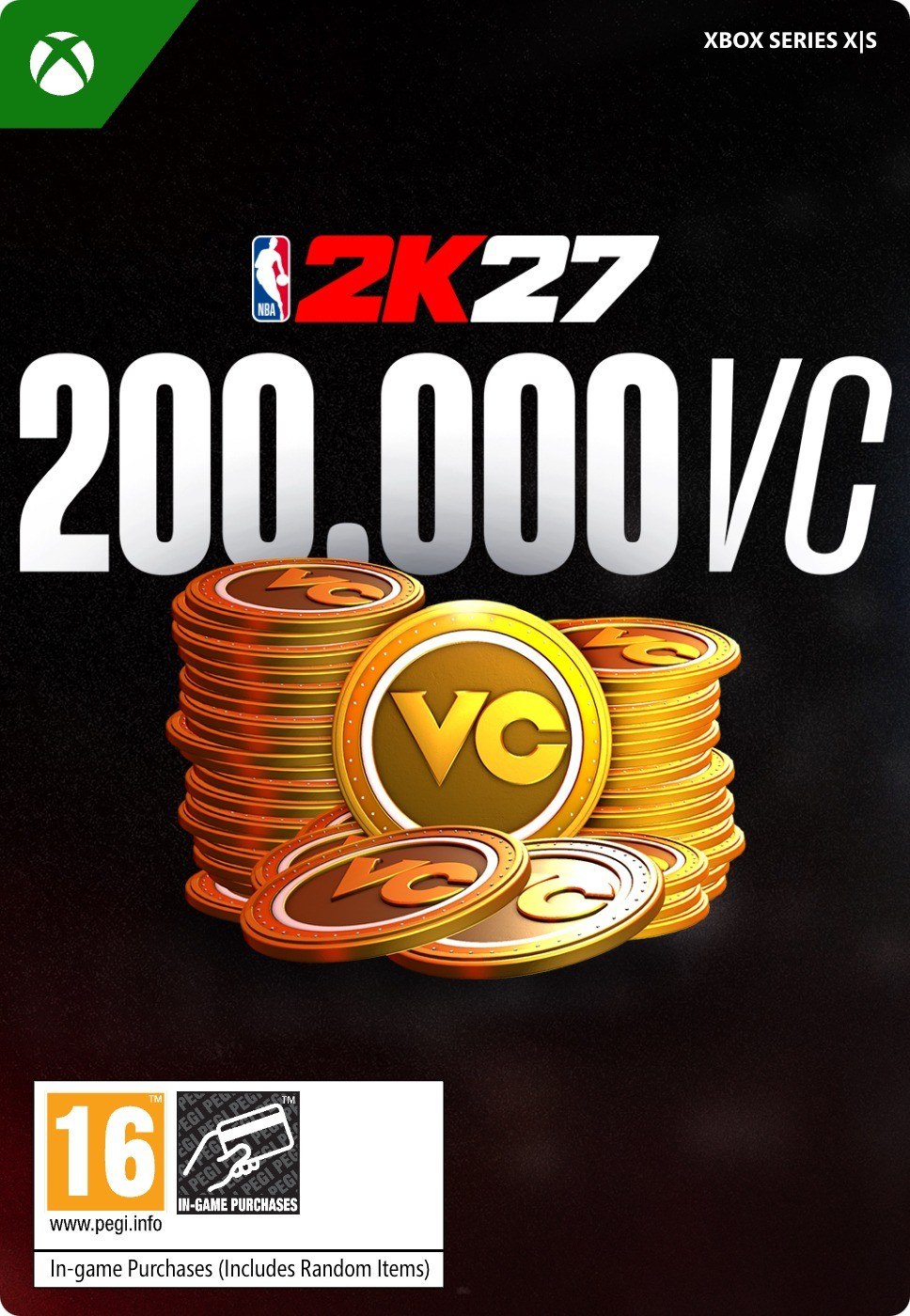
NBA 2K27 200,000 Virtual Currency Pack
Werkt in België

OS: Xbox One / Xbox X|S · Subscription: Online multiplayer on Xbox requires Xbox Live Gold (subscription sold separately). · Other: Internet Access
Geaccepteerde betaalmethoden


 + nog veel meer
- Gecertificeerde verkoperOfficiële codes van merken
- Veilige betalingKies uit veel opties
- Directe leveringIn minder dan 2 minuten



Beschrijving
ABOUT THE DLC
This content requires the base game.
There are more ways than ever before to spend your VC. Upgrade your MyPLAYER, buy MyTEAM packs to build your perfect fantasy team, and so much more!
FEATURES
DEVELOP your MyPLAYER by increasing attributes and learning new animations.
CUSTOMIZE your MyPLAYER with the latest gear by visiting the 2K Store.
BUILD your MyTEAM by opening packs and creating a team of current players and NBA legends!
Inwisselen
HOW TO REDEEM XBOX ONE AND XBOX SERIES X|S GAME CODE
Xbox One Console / Xbox Series X|S Console:
- Sign in to your Xbox One / Xbox Series X|S (make sure you’re signed in with the Microsoft account you want to redeem the code with)
- Press the Xbox button on the controller to open the guide, and then select Store.
- Press the View button on the controller to open the side menu, and then select Redeem.
- Enter your unique code that you received from TokenStore and select Next, and then follow the prompts.
Web Browser:
- On your PC or phone’s browser, navigate to https://redeem.microsoft.com
- Sign in with your Microsoft account credentials (make sure you’re signed in with the Microsoft account you want to redeem the code with).
- Enter your unique code that you received from TokenStore and select Next, and then follow the prompts.
Microsoft Store on Windows:
- On your PC, press the Start button , and then enter the store into the search bar.
- Choose Microsoft Store from the results to open the app and sign in with your Microsoft account credentials (make sure you’re signed in with the Microsoft account you want to redeem the code with).
- Select your account in the top-right corner of the screen, and then select Redeem code or gift cards.
- Enter your unique code that you received from TokenStore and select Next, and then follow the prompts.
Xbox App for Windows (ONLY PC):
- On your PC, press the Start button , and then enter Xbox into the search bar.
- Choose the Xbox app from the results to open the app and sign in with your Microsoft account credentials (make sure you’re signed in with the Microsoft account you want to redeem the code with)
- Select your gamerpic, and then select Settings.
- Select Redeem under Redeem a code.
- Enter your unique code that you received from TokenStore and select Next and then follow the prompts.