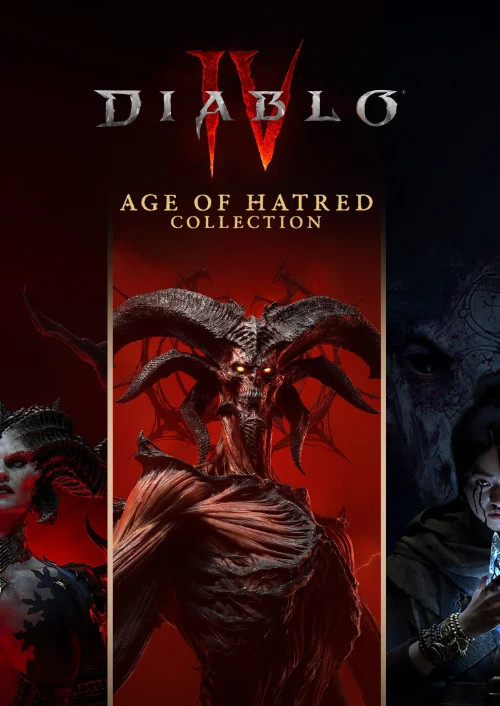
Diablo IV: Age of Hatred Collection

OS: Xbox One / Xbox Series X|S · Optimised for Xbox Series X|S?: Yes · Subscription: Online multiplayer on console requires Xbox Game Pass Essential, Premium or Ultimate (subscriptions sold separately). · Other: Internet Access


 + mange flere
- Certificeret sælgerOfficielle koder fra brands
- Sikker betalingVælg mellem mange muligheder
- Øjeblikkelig leveringPå under 2 minutter



Beskrivelse
THIS EDITION INCLUDES
- Diablo IV (Base game)
- Diablo IV: Vessel of Hatred
- Diablo IV: Lord of Hatred Standard Edition (DLC)
ABOUT THE GAME
The Age of Hatred Collection is the best way to begin your journey in Diablo IV. This bundle instantly unlocks the Diablo IV base game and Vessel of Hatred expansion, and includes the upcoming Lord of Hatred expansion releasing 28 April 2026. Jump into the latest content immediately and unlock even more when the next chapter arrives.
This collection delivers the full Diablo IV experience. Play through a massive immersive campaign, master 8 unique classes including the all-new Paladin and the Spiritborn, and explore the deadly region of Nahantu today, expanding to the Isles of Skovos when Lord of Hatred arrives. Confront Lilith’s cultists and, as the saga continues, Mephisto’s zealots. Uncover long-buried secrets and grow stronger through robust endgame challenges with full cross-play and cross-progression.
Indløs
HOW TO REDEEM XBOX ONE AND XBOX SERIES X|S GAME CODE
Xbox One Console / Xbox Series X|S Console:
- Sign in to your Xbox One / Xbox Series X|S (make sure you’re signed in with the Microsoft account you want to redeem the code with)
- Press the Xbox button on the controller to open the guide, and then select Store.
- Press the View button on the controller to open the side menu, and then select Redeem.
- Enter your unique code that you received from TokenStore and select Next, and then follow the prompts.
Web Browser:
- On your PC or phone’s browser, navigate to https://redeem.microsoft.com
- Sign in with your Microsoft account credentials (make sure you’re signed in with the Microsoft account you want to redeem the code with).
- Enter your unique code that you received from TokenStore and select Next, and then follow the prompts.
Microsoft Store on Windows:
- On your PC, press the Start button , and then enter the store into the search bar.
- Choose Microsoft Store from the results to open the app and sign in with your Microsoft account credentials (make sure you’re signed in with the Microsoft account you want to redeem the code with).
- Select your account in the top-right corner of the screen, and then select Redeem code or gift cards.
- Enter your unique code that you received from TokenStore and select Next, and then follow the prompts.
Xbox App for Windows (ONLY PC):
- On your PC, press the Start button , and then enter Xbox into the search bar.
- Choose the Xbox app from the results to open the app and sign in with your Microsoft account credentials (make sure you’re signed in with the Microsoft account you want to redeem the code with)
- Select your gamerpic, and then select Settings.
- Select Redeem under Redeem a code.
- Enter your unique code that you received from TokenStore and select Next and then follow the prompts.