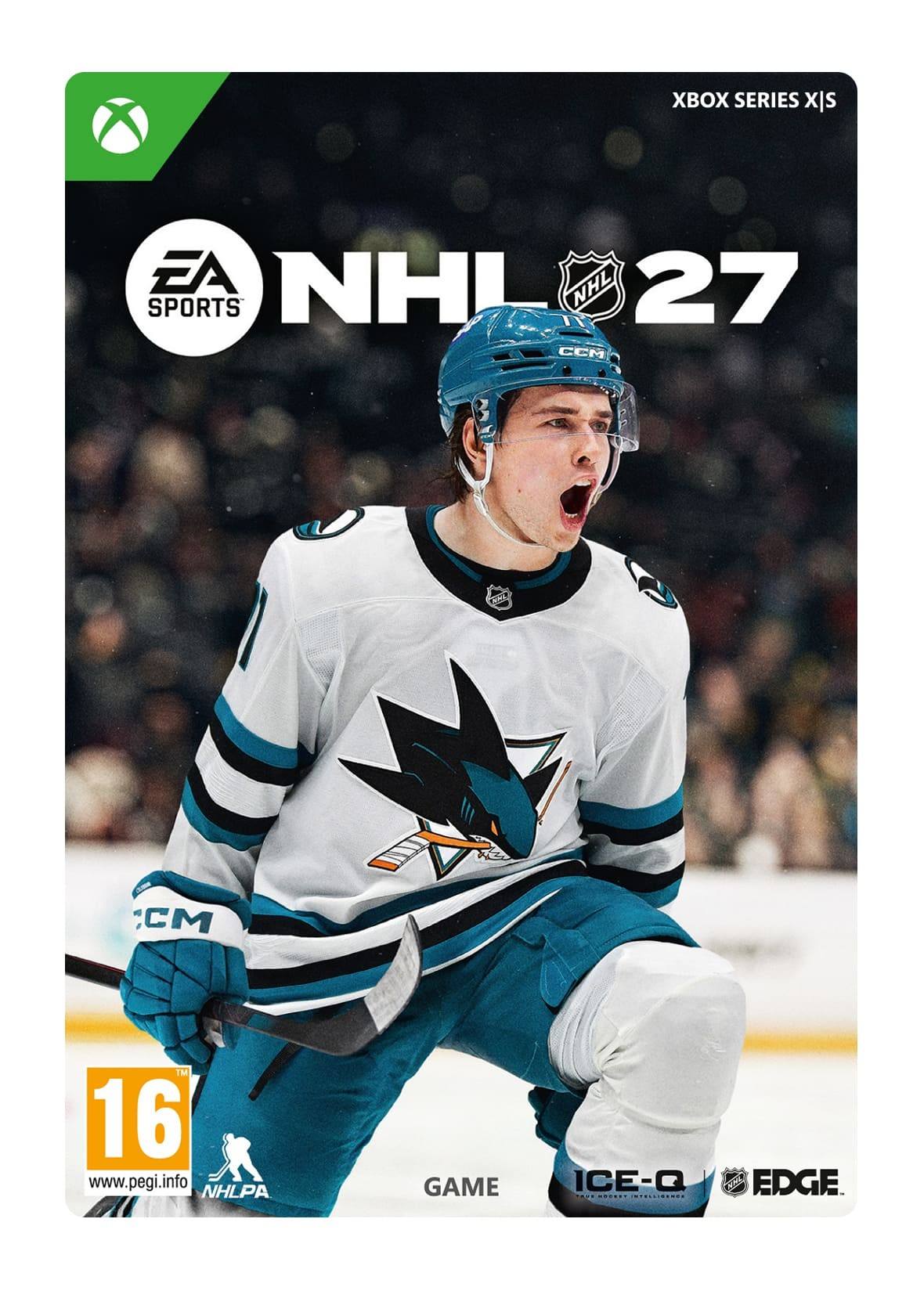
EA Sports™ NHL 27 Standard Edition

Format: Digital edition · Publisher: Milestone · Type: Download code delivered via email · Valid on: Xbox Series X|S


 + mange flere
- Certificeret sælgerOfficielle koder fra brands
- Sikker betalingVælg mellem mange muligheder
- Øjeblikkelig leveringPå under 2 minutter



Beskrivelse
EA SPORTS™ NHL® 27 brings the identity of every NHL team to life on the ice, in the arena, and through the broadcast.
Experience Authentic Atmospheres across all 32 NHL arenas, each designed to capture the sound, spectacle, and identity of its home team. Real-world goal songs, new pregame introductions, and a fully overhauled crowd bring every building closer to its real-world counterpart.
A fully refreshed broadcast package featuring John Buccigross and Darren Pang brings new voices, modern broadcast graphics, updated visuals, and more contextual storytelling to every matchup, giving games a cleaner, more authentic NHL feel from puck drop to final horn.
Connected Franchise lets you create your league, build your team, manage your roster, and spark new and old rivalries with friends across a full online season. With up to 32 human-controlled teams, league customization, flexible scheduling, roster management, and commissioner tools, your group has the foundation to run the league your way.
On the ice, gameplay is driven by true team identity through 32 unique NHL Team Playbooks powered by NHL EDGE data. Teams now play with more recognizable structure, from how they break out of their zone to how they pressure on special teams and adjust late in close games. The result is more authentic matchups where each team feels different and strategy matters every shift.
This game includes optional in-game purchases of virtual currency that can be used to acquire virtual in-game items, including a random selection of virtual in-game items.
*Conditions & restrictions apply. See https://www.ea.com/games/nhl/nhl-27/game-disclaimers for details.
Indløs
HOW DO I REDEEM MY PRODUCT CODE?
Make sure that you log in to EA Desktop or Origin using the EA Account you want to add your game to. This is especially important if you're a parent who wants to add a game to your child's account.
Redeem your Product Code in your EA Account Settings
- Go to https://myaccount.ea.com/cp-ui/aboutme/index.
- Click on the Redeem Product Code tab.
- Type in your Product Code, then click Next.
- Once you’ve redeemed your code, your game will appear in your account.
Redeem your Product Code in the Origin client
For PC
- Log in with the EA Account where you want to add the game.
- Click the Origin menu.
- Select Redeem Product Code...
For Mac
- Log in with the EA Account where you want to add the game.
- Go to your computer's top menu to select Games and Redeem Product Code...
Vilkår og betingelser
Acceptance of EA User Agreement (terms.ea.com) & Privacy and Cookie Policy (privacy.ea.com) required to play.
EA & applicable platform accounts may be required for online features including Ultimate Team and World of Chel
(internet required). Age restrictions apply, see o.ea.com/ea/child-access & applicable platform account for details.
EA may provide certain free incremental content &/or updates. Mandatory updates may be downloaded
automatically, incur broadband fees & require additional storage or purchase to access. Product collects data for
in-game advertising. EA may retire online features after 30 days notice at ea.com/service-updates.
Internet connection required to download mandatory content updates required to play the game.
EA Info: see www.ea.com/about