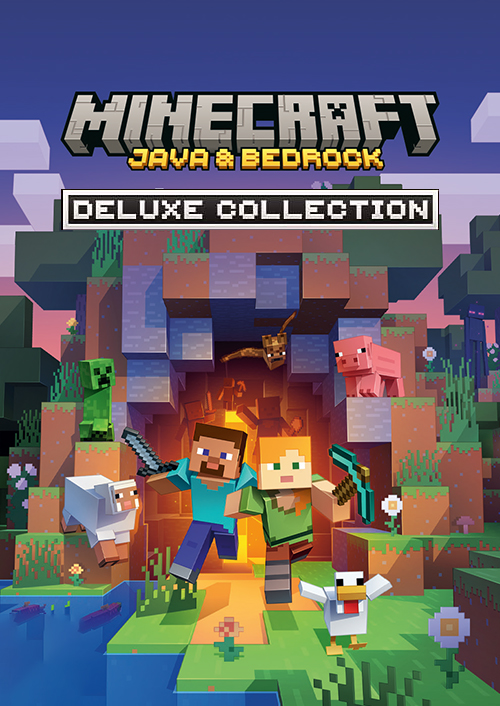
Minecraft: Java & Bedrock Edition Deluxe Collection

OS: Windows 10 version 19041.0 or higher · Processor: Intel Celeron J4105 | AMD FX-4100 · Memory: 4 GB · Graphics: Intel HD Graphics 4000 | AMD Radeon R5 · Processor: Intel i7-6500U | AMD A8-6600K · Memory: 8 GB · Graphics: NVIDIA GeForce 940M | AMD


 + mange flere
- Certificeret sælgerOfficielle koder fra brands
- Sikker betalingVælg mellem mange muligheder
- Øjeblikkelig leveringPå under 2 minutter



Beskrivelse
THIS EDITION INCLUDES
- Base game
- 1600 Minecoins
- five maps (Skyblock One Block, Hacker Tools, Pets Collection, Parkour Spiral and Original Bed Wars)
- three skin packs (Spy Mobs, Cute Anime Teens and Cute Mob Skins)
- one texture pack (Clarity)
- five Character Creator items
- three emotes.
ABOUT THE GAME
Experience all the different ways to explore, survive and build in Minecraft with Minecraft: Deluxe Collection for PC with Java & Bedrock and the Minecraft Launcher.
Browse endless community created content in the Minecraft Marketplace, discover new play styles through different maps and express yourself with Character Creator items and emotes. Gather your friends or gear up for a solo mission, you’re ready for all the many ways to play Minecraft!
The Deluxe Collection includes this added content in addition to Minecraft:
1600 Minecoins; five maps (Skyblock One Block, Hacker Tools, Pets Collection, Parkour Spiral and Original Bed Wars); three skin packs (Spy Mobs, Cute Anime Teens and Cute Mob Skins), one texture pack (Clarity), five Character Creator items and three emotes.
Indløs
Web Browser
- Load a web browser and go to this address: https://redeem.microsoft.com/enter
- Sign in with your Microsoft account credentials.
- Enter your unique code that's displayed on the 'Orders' page of TokenStore and follow the prompts to activate. You can find additional support for your Xbox Live account here: https://support.xbox.com/en-US/contact-us
Xbox App
- Download the Xbox App onto your Windows PC.
- Login to the microsoft account where you would like to redeem your code.
- Select your game icon on the top-right corner and then click settings.
- Select “Redeem Code”
- Enter your unique code that's displayed on the 'Orders' page of TokenStore and follow the prompts to activate.
Microsoft Store
- Open up the Microsoft Store App on your Windows PC
- Click the 3 dots on the top-right corner of the application
- Select “Redeem Code”
- Enter your unique code that's displayed on the 'Orders' page of TokenStore and follow the prompts to activate.
5.Follow the instructions to activate your code