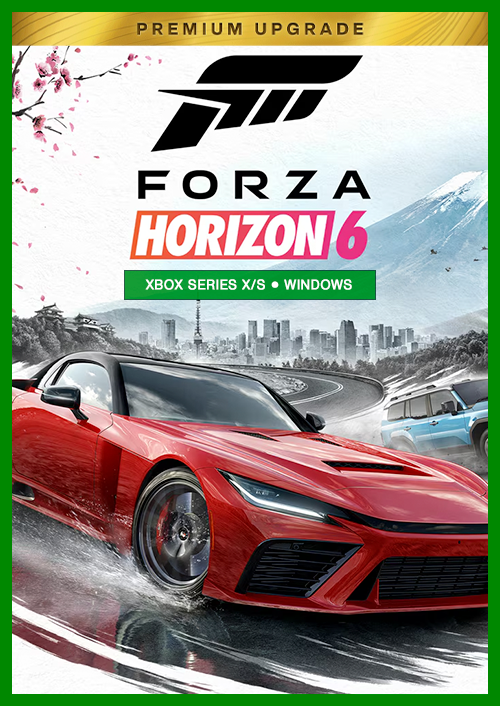
Forza Horizon 6: Premium Upgrade

OS: Xbox Series X|S/PC · Optimised for Xbox Series X|S?: Yes · Subscription: Online multiplayer on console requires Xbox Game Pass Essential, Premium or Ultimate (subscriptions sold separately). · Other: Internet Access


 + many more
- Certified sellerOfficial codes from brands
- Secure paymentChoose from many options
- Instant deliveryIn less than 2 minutes



Description
THIS EDITION INCLUDES
This content requires the base game.
- Forza Horizon 6 Car Pass
- Forza Horizon 6 Expansion 1
- Forza Horizon 6 Expansion 2
- Forza Horizon 6 VIP
- Forza Horizon 6 Time Attack Car Pack
- Forza Horizon 6 Italian Passion Car Pack
- Forza Horizon 6 Welcome Pack
ABOUT THE DLC
Forza Horizon 6 Premium Upgrade is the best value for Game Pass members as compared to buying each included item separately and a great option for Standard and Deluxe Edition players looking to expand their journey at the Horizon Festival.*
This Premium Upgrade includes the VIP Membership, Welcome Pack, Time Attack Car Pack, and Car Pass (30 cars delivered to your game, one per week), as well as the Italian Passion Car Pack and two Premium Expansions coming post-launch.
Forza Horizon 6 Car Pass will deliver 30 new cars to your game, with one new vehicle made available each week.
With Forza Horizon 6 VIP Membership, enjoy a 2x Credit boost to race rewards, 3 VIP-Exclusive Forza Edition cars, a weekly bonus Super Wheelspin, and special Vanity Items. You’ll also be handed the keys to the lavish Tokyo City House, a classic Japanese home in the suburbs.
Forza Horizon 6 Welcome Pack features 5 special pre-tuned cars and a Car Voucher, which can be used to claim any car available from the Autoshow.
With the Time Attack Car Pack, you’ll receive 8 legendary cars ideal for mastering every turn and corner at the Time Attack Circuits located around Japan.
Meanwhile, the Italian Passion Car Pack will introduce 4 great new Italian cars in Forza Horizon 6 post-launch, perfect for cruising, racing, or exploring.
Redeem
HOW TO REDEEM XBOX PLAY ANYWHERE GAME CODE
Xbox One Console / Xbox Series X|S Console:
- Sign in to your Xbox One / Xbox Series X|S (make sure you’re signed in with the Microsoft account you want to redeem the code with)
- Press the Xbox button on the controller to open the guide, and then select Store.
- Press the View button on the controller to open the side menu, and then select Redeem.
- Enter your unique code that you received from TokenStore and select Next, and then follow the prompts.
Xbox 360 Console:
- Sign in to your Xbox 360 (make sure you’re signed in with the Microsoft account you want to redeem the code with)
- Press the Guide button on your controller
- Select Games & Apps, and then select Redeem Code.
- Enter your unique code that you received from TokenStore and then follow the prompts.
Web Browser:
- On your PC or phone’s browser, navigate to https://redeem.microsoft.com
- Sign in with your Microsoft account credentials (make sure you’re signed in with the Microsoft account you want to redeem the code with).
- Enter your unique code that you received from TokenStore and select Next, and then follow the prompts.
Microsoft Store on Windows:
- On your PC, press the Start button , and then enter the store into the search bar.
- Choose Microsoft Store from the results to open the app and sign in with your Microsoft account credentials (make sure you’re signed in with the Microsoft account you want to redeem the code with).
- Select your account in the top-right corner of the screen, and then select Redeem code or gift cards.
- Enter your unique code that you received from TokenStore and select Next, and then follow the prompts.
Xbox App for Windows (ONLY PC):
- On your PC, press the Start button , and then enter Xbox into the search bar.
- Choose the Xbox app from the results to open the app and sign in with your Microsoft account credentials (make sure you’re signed in with the Microsoft account you want to redeem the code with)
- Select your gamerpic, and then select Settings.
- Select Redeem under Redeem a code.
- Enter your unique code that you received from TokenStore and select Next and then follow the prompts.