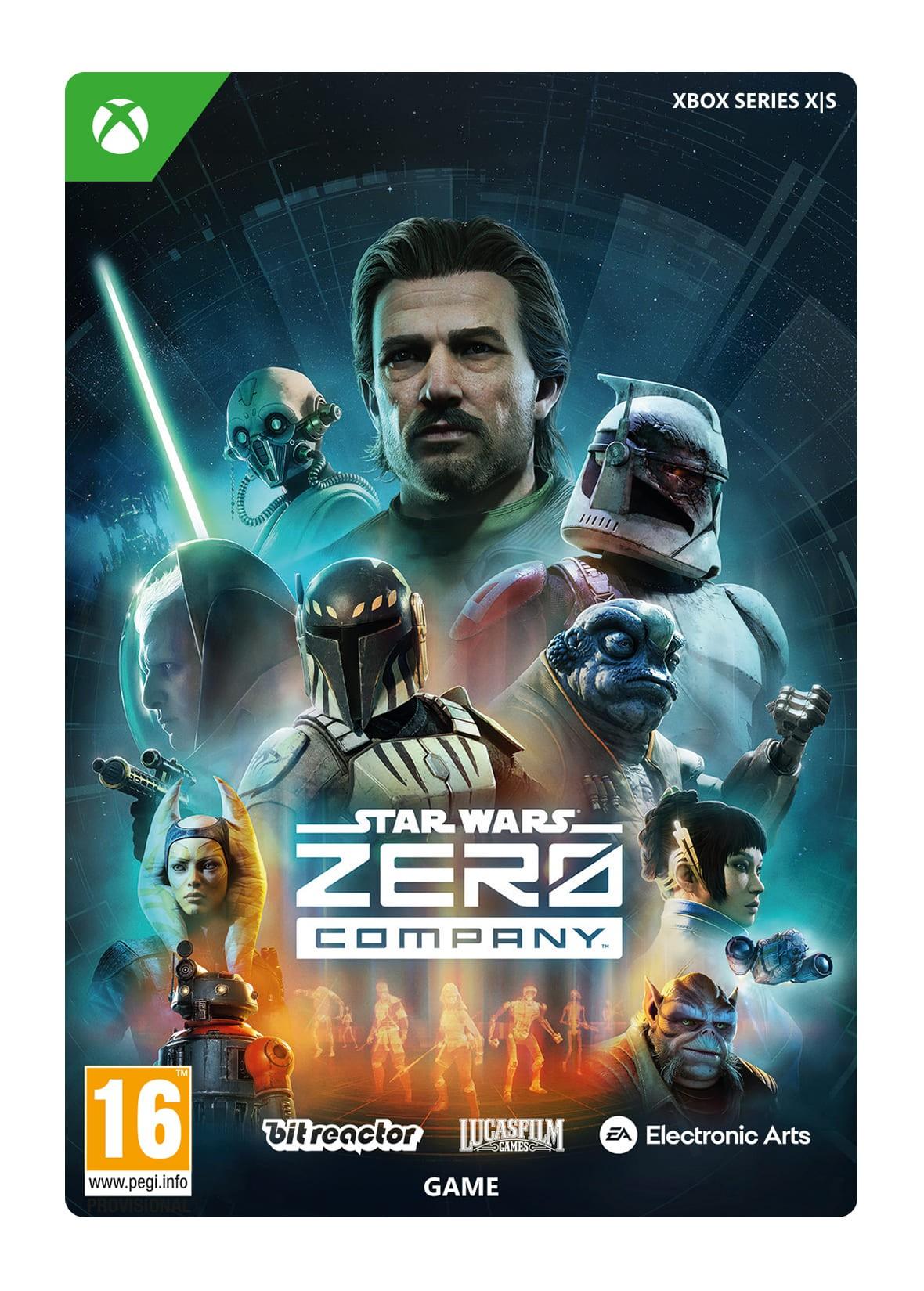
STAR WARS ZERO COMPANY - STANDARD EDITION
OS: Xbox Series X|S · Optimised for Xbox Series X|S?: No · Subscription: Online multiplayer on Xbox requires Xbox Live Gold (subscription sold separately). · Other: Internet Access


 + その他多数
- 認定販売者ブランドの公式コード
- 安全なお支払い多くの選択肢から選べます
- 即時配送2分以内



商品説明
ABOUT THE GAME
Command an elite squad through a gritty and authentic story in STAR WARS Zero Company™, a single-player turn-based tactics game set in the twilight of the Clone Wars™.
You will step into the shoes of Hawks, a former Republic officer who leads Zero Company as they are recruited for an operation that pits them against an emerging threat that will consume the galaxy if left unchecked.
FEATURES
Lead the Clone Wars’ Most Cunning Operatives
Command the galaxy’s finest in tactical operations, investigations and other heart-pounding missions through a cinematic original story.
Choose Your Path to Victory
Strategize and adapt at both your base of operations and an ever-shifting battlefield to make every move count. The outcomes of your decisions make each playthrough different.
Engage in Tactical Star Wars Combat
Deploy a team of operatives composed of a variety of archetypes ranging from scoundrels to astromechs, or even a Jedi, choosing from an arsenal of tactical abilities to outmaneuver and defeat your foes.
Forge Deep Bonds with your Squad
Improve your squad’s skills as you deploy them on missions, where they learn to work together and unlock new combat synergies that could be the difference between victory and defeat.
Personalize Your Fight
Customize Hawks’ combat specialization and appearance, then fill out your team with original and custom-made Star Wars characters, tailoring their appearances, loadouts, and abilities to fit your playstyle.
ご利用方法
HOW TO REDEEM XBOX SERIES X|S GAME CODE
Xbox Series X|S Console:
- Sign in to your Xbox Series X|S (make sure you’re signed in with the Microsoft account you want to redeem the code with)
- Press the Xbox button on the controller to open the guide, and then select Store.
- Press the View button on the controller to open the side menu, and then select Redeem.
- Enter your unique code that you received from TokenStore and select Next, and then follow the prompts.
Web Browser:
- On your PC or phone’s browser, navigate to https://redeem.microsoft.com
- Sign in with your Microsoft account credentials (make sure you’re signed in with the Microsoft account you want to redeem the code with).
- Enter your unique code that you received from TokenStore and select Next, and then follow the prompts.
Microsoft Store on Windows:
- On your PC, press the Start button , and then enter the store into the search bar.
- Choose Microsoft Store from the results to open the app and sign in with your Microsoft account credentials (make sure you’re signed in with the Microsoft account you want to redeem the code with).
- Select your account in the top-right corner of the screen, and then select Redeem code or gift cards.
- Enter your unique code that you received from TokenStore and select Next, and then follow the prompts.
Xbox App for Windows (ONLY PC):
- On your PC, press the Start button , and then enter Xbox into the search bar.
- Choose the Xbox app from the results to open the app and sign in with your Microsoft account credentials (make sure you’re signed in with the Microsoft account you want to redeem the code with)
- Select your gamerpic, and then select Settings.
- Select Redeem under Redeem a code.
- Enter your unique code that you received from TokenStore and select Next and then follow the prompts.