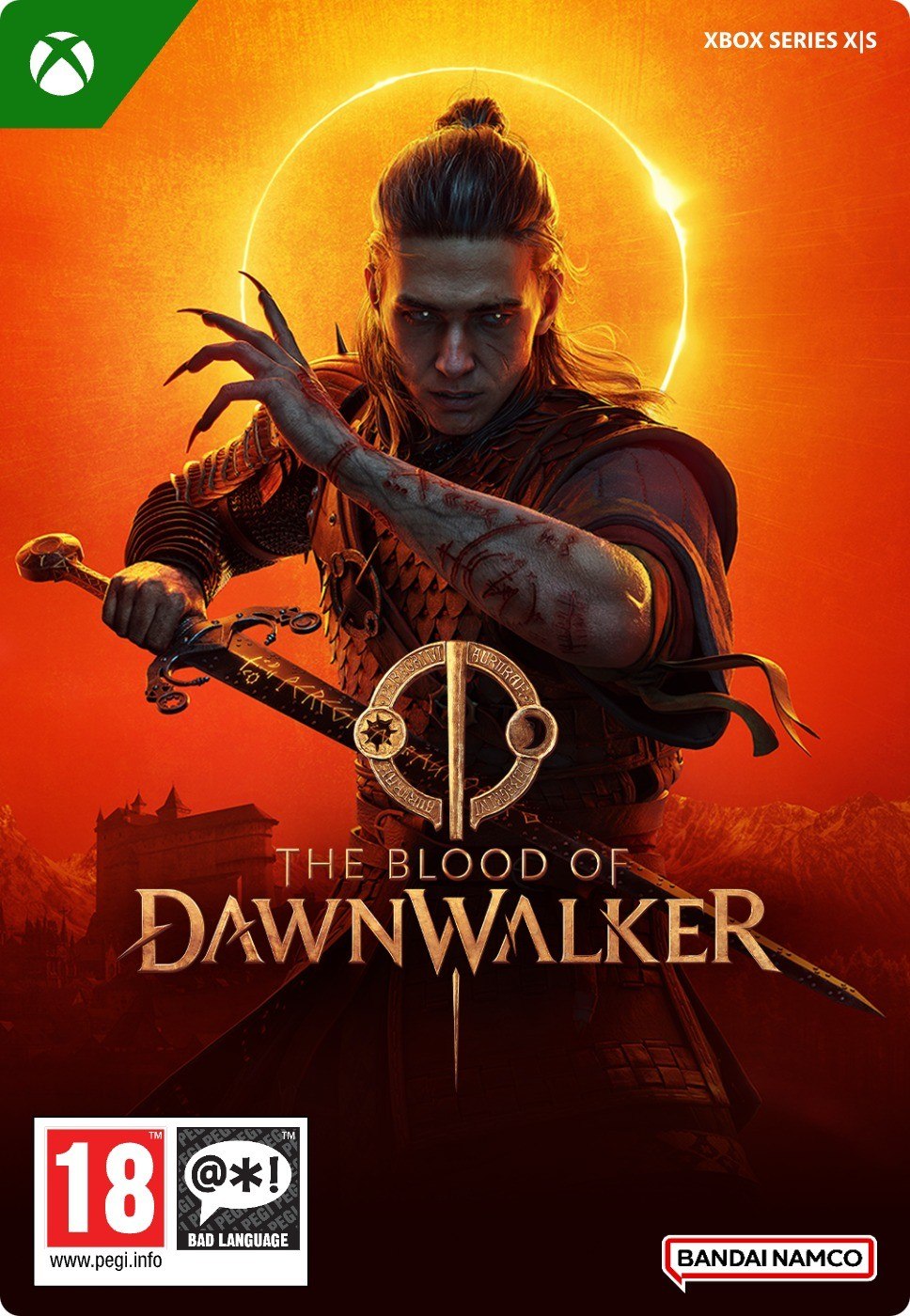
The Blood of Dawnwalker - Standard Edition

OS: Xbox Series X|S / PC · Optimised for Xbox Series X|S?: Yes · Subscription: Online multiplayer on console requires Xbox Game Pass Essential, Premium or Ultimate (subscriptions sold separately). · Other: Internet Access


 + mange flere
- Sertifisert selgerOffisielle koder fra merkevarer
- Sikker betalingVelg blant mange alternativer
- Umiddelbar leveringPå under 2 minutter



Beskrivelse
ABOUT THE GAME
14th-century Europe. Bloody conflicts sweep the lands, and the Black Death comes for the survivors. It's a moment of weakness - and that's all they needed. Vampires seize their opportunity to walk out of the shadows and claim what they've been denied for centuries: freedom, and the power that comes with it. Other creatures of the night follow their lead. Legends turn into reality, and history as we know it will never be the same.
You play as Coen, a young man turned into a Dawnwalker, forever treading the line between the world of day and the realm of night. Fight for your humanity or embrace the cursed powers to save your family. Whatever your choice, the question stands: is your soul worth the lives of those you love?
Make The Story Your Own
Experience and shape the plot the way you want. Embark on the quest to save your family, or swear revenge on your sire and destroy everyone standing in your way. Discover ancient secrets lurking in the valley. Rush in head first or risk taking time to prepare. Go alone or search for friends and forge unlikely alliances.
Day And Night
Experience two different gameplay loops, offering distinct abilities to choose from, mysteries to uncover, and varying ways to achieve your goals. Experiment with different approaches and discover how the world reacts to your actions.
Every Action Matters
Every action - and inaction - shapes the world around you. Your family’s days are numbered, and every time you take on a quest, time moves forward, compelling you closer to the end. Choose carefully whom to help and whom to leave behind. You will not have time for everyone. The world waits for no one. And neither does the villain.
Sword, Claws, And Rage
Defy gravity, become a brutal force of nature, and use your supernatural skills as a vampire. Or raise your sword, and employ powerful magic to take on opponents as a human. Experiment and adapt as your form changes during the day and night; each has its strengths and weaknesses.
Open World Brimming With Adventure
Venture through the hand-crafted open world and discover all it has to offer. Roam through the lush forests, the vast plains, the treacherous swamps, the steep mountaintops, and the medieval settlements. Explore forgotten ruins, find remnants of an ancient civilization, and uncover truths that should probably remain hidden.
Become The Dawnwalker
Experience the beginning of a brand-new saga built with love for the role-playing genre. Immerse yourself in a visually stunning world powered by the next-gen Unreal Engine 5.
Innløs
HOW TO REDEEM XBOX PLAY ANYWHERE GAME CODE
Xbox One Console / Xbox Series X|S Console:
- Sign in to your Xbox One / Xbox Series X|S (make sure you’re signed in with the Microsoft account you want to redeem the code with)
- Press the Xbox button on the controller to open the guide, and then select Store.
- Press the View button on the controller to open the side menu, and then select Redeem.
- Enter your unique code that you received from TokenStore and select Next, and then follow the prompts.
Xbox 360 Console:
- Sign in to your Xbox 360 (make sure you’re signed in with the Microsoft account you want to redeem the code with)
- Press the Guide button on your controller
- Select Games & Apps, and then select Redeem Code.
- Enter your unique code that you received from TokenStore and then follow the prompts.
Web Browser:
- On your PC or phone’s browser, navigate to https://redeem.microsoft.com
- Sign in with your Microsoft account credentials (make sure you’re signed in with the Microsoft account you want to redeem the code with).
- Enter your unique code that you received from TokenStore and select Next, and then follow the prompts.
Microsoft Store on Windows:
- On your PC, press the Start button , and then enter the store into the search bar.
- Choose Microsoft Store from the results to open the app and sign in with your Microsoft account credentials (make sure you’re signed in with the Microsoft account you want to redeem the code with).
- Select your account in the top-right corner of the screen, and then select Redeem code or gift cards.
- Enter your unique code that you received from TokenStore and select Next, and then follow the prompts.
Xbox App for Windows (ONLY PC):
- On your PC, press the Start button , and then enter Xbox into the search bar.
- Choose the Xbox app from the results to open the app and sign in with your Microsoft account credentials (make sure you’re signed in with the Microsoft account you want to redeem the code with)
- Select your gamerpic, and then select Settings.
- Select Redeem under Redeem a code.
- Enter your unique code that you received from TokenStore and select Next and then follow the prompts.