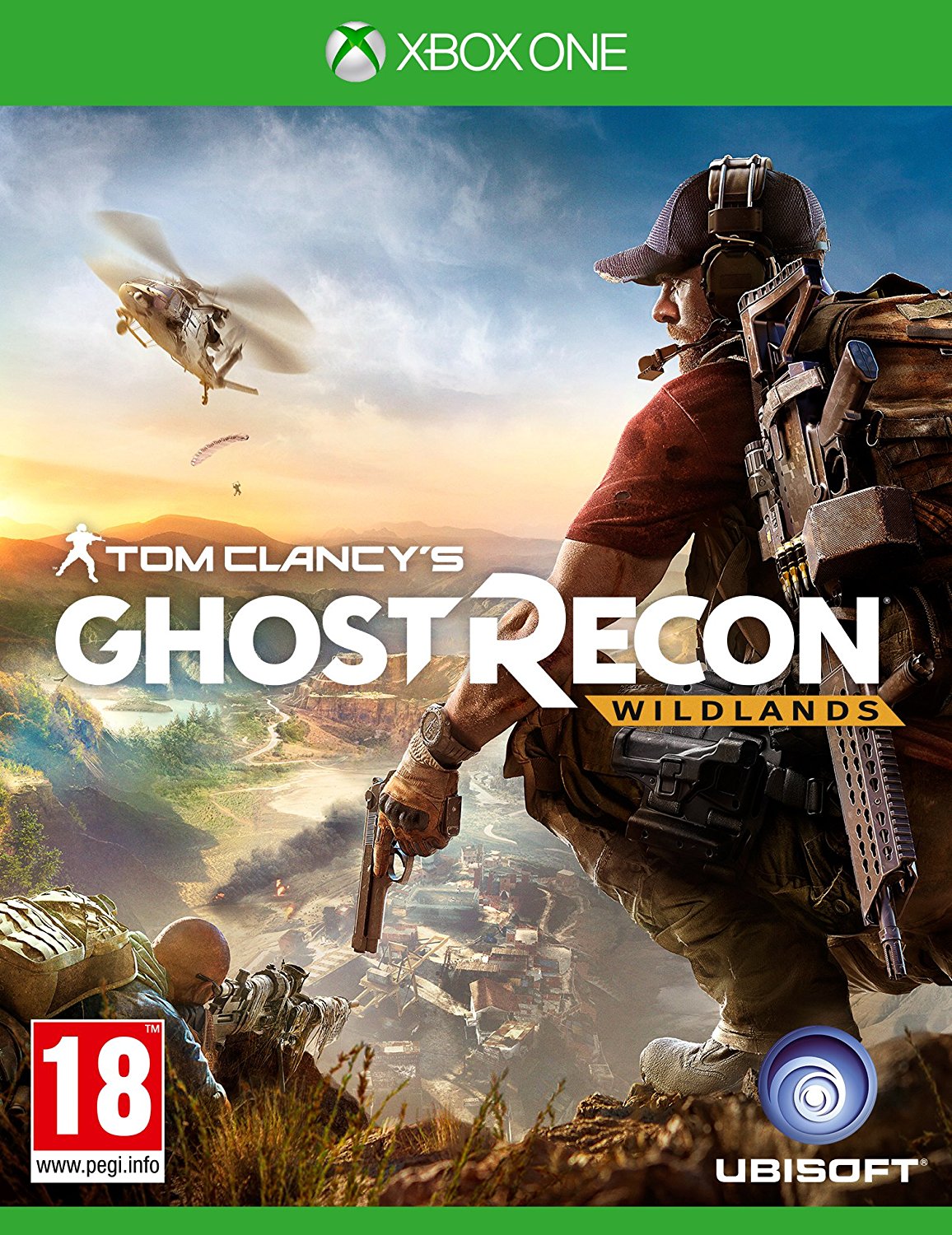
Tom Clancys Ghost Recon Wildlands Definitive
Fungerar endast i Sverige

Godkända betalningsmetoder


 + många fler
- Certifierad säljareOfficiella koder från varumärken
- Säker betalningVälj bland många alternativ
- Omedelbar leveransPå under 2 minuter



Beskrivning
Get your instant download of Ghost Recon Wildlands on Xbox One
The top 3 reasons to play Ghost Recon Wildlands
- Ghost Recon Wildlands brings you the ultimate military shooter experience.
- Enter a massive open world and engage in realistic tactical maneuvers.
- Group up with up to 3 friends to take down a vicious Bolivian cartel, or engage in class-based PvP action in Ghost War.
What to know before buying Ghost Recon Wildlands
What's included with Ghost Recon Wildlands?
Included is the Ghost Recon Wildlands base game.
Is there any region lock for Ghost Recon Wildlands?
There is no region lock. This product is available worldwide.
How will I receive my instant download for Ghost Recon Wildlands?
After payment has been approved, your game key will be included in your order confirmation email. You can access your key by following a link in the email. Next, you can activate your key on its corresponding platform.
How to activate the key for Ghost Recon Wildlands
Xbox One Console:
- Load the “Home” screen (make sure you’re signed in to your Xbox Live account), and navigate right to “Store”.
- In “Categories”, select “Games”.
- Choose the “Use a code” option.
- Select the option to “enter the 25 character code”, and Enter the code you received in your confirmation email.
Web Browser
- Load a web browser and go to this address: https://live.xbox.com/redeemtoken
- Sign in with your Microsoft account credentials.
- Enter the game code from your email and click “Next”; follow the prompts to confirm.
You can find additional support for your Xbox Live account here: https://support.xbox.com/en-US/contact-us
Ghost Recon Wildlands details
- In Ghost Recon Wildlands, you can choose your own playstyle and customize your weapons gear and character-- allowing you to truly become a Ghost.
- Set in near-future Bolivia, Wildlands features a massive open world filled with enemies, danger, and stunning landscapes.
- Explore the world by land, sea, and air with over 60 different vehicles available in Ghost Recon Wildlands.
- Group up with up to 3 friends to take down a vicious cartel, or engage in class-based PvP action in Ghost War.
- Ghost Recon Wildlands is compatible with Tobii Eye Tracking devices to provide an even more immersive combat experience.
Want to get a free key to play Ghost Recon Wildlands?
Our team regularly selects the best comments about a game and rewards that user with a free key. Share your feedback in the review tab for a chance to win!
Lös in
HOW TO REDEEM XBOX ONE AND XBOX SERIES X|S GAME CODE
Xbox One Console / Xbox Series X|S Console:
- Sign in to your Xbox One / Xbox Series X|S (make sure you’re signed in with the Microsoft account you want to redeem the code with)
- Press the Xbox button on the controller to open the guide, and then select Store.
- Press the View button on the controller to open the side menu, and then select Redeem.
- Enter your unique code that you received from TokenStore and select Next, and then follow the prompts.
Web Browser:
- On your PC or phone’s browser, navigate to https://redeem.microsoft.com
- Sign in with your Microsoft account credentials (make sure you’re signed in with the Microsoft account you want to redeem the code with).
- Enter your unique code that you received from TokenStore and select Next, and then follow the prompts.
Microsoft Store on Windows:
- On your PC, press the Start button , and then enter the store into the search bar.
- Choose Microsoft Store from the results to open the app and sign in with your Microsoft account credentials (make sure you’re signed in with the Microsoft account you want to redeem the code with).
- Select your account in the top-right corner of the screen, and then select Redeem code or gift cards.
- Enter your unique code that you received from TokenStore and select Next, and then follow the prompts.
Xbox App for Windows (ONLY PC):
- On your PC, press the Start button , and then enter Xbox into the search bar.
- Choose the Xbox app from the results to open the app and sign in with your Microsoft account credentials (make sure you’re signed in with the Microsoft account you want to redeem the code with)
- Select your gamerpic, and then select Settings.
- Select Redeem under Redeem a code.
- Enter your unique code that you received from TokenStore and select Next and then follow the prompts.